Archmage Brolo: Card Battle
Static Slay the Spire-inspired wizard card battler focused on tactile card interactions, turn flow, targeting feedback, and polished browser play.
A single-encounter card battler with drag-to-play cards, a magical targeting line, and animated spell feedback - shipped as a static, framework-free site.
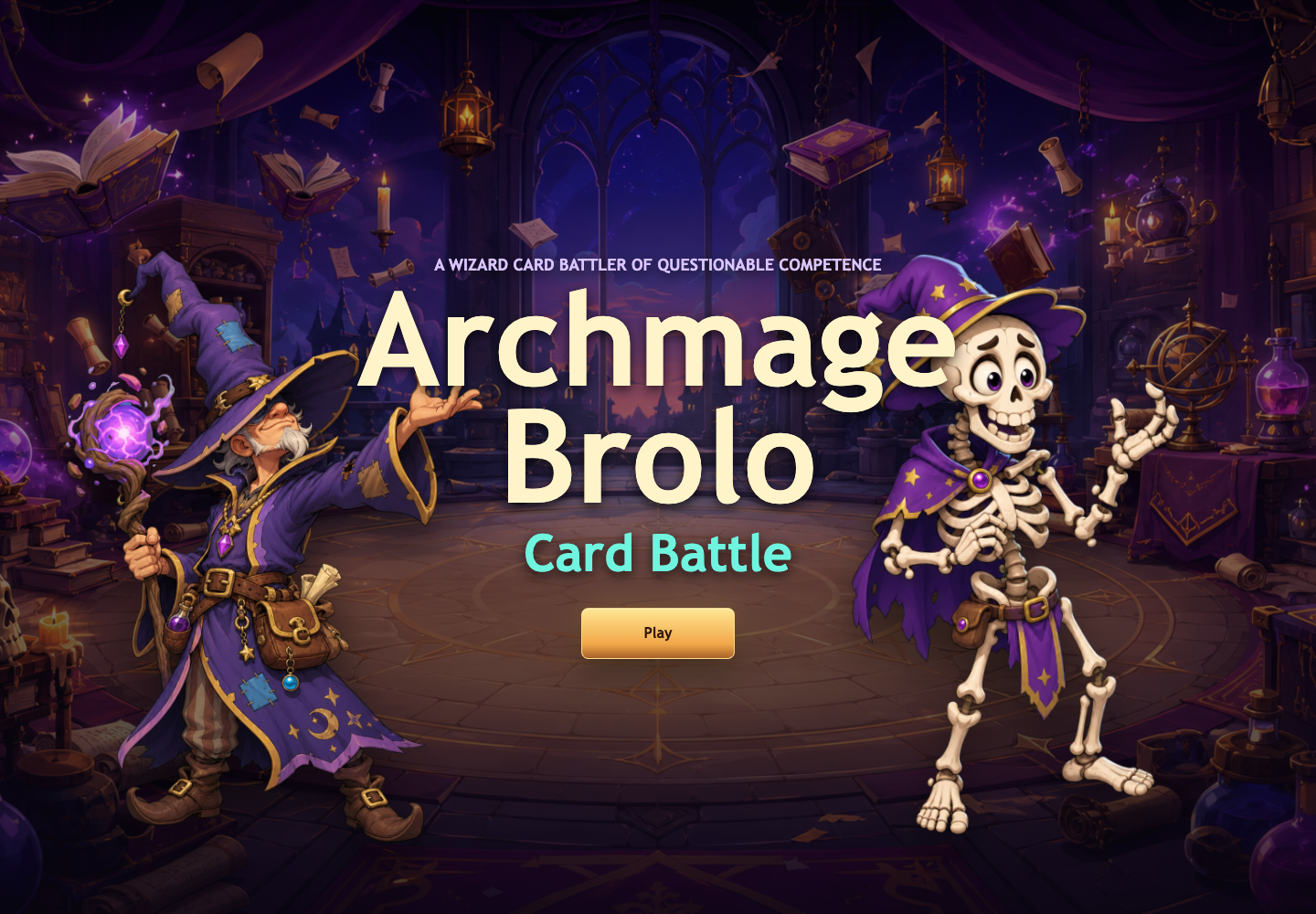
Archmage Brolo: Card Battle is a static browser card battler inspired by the tactile feel of deckbuilding roguelikes. It centers on one fight: Archmage Brolo versus Skelly Steve, with a focus on card feel, readable combat feedback, and a complete title-to-result loop.
The portfolio value is interaction polish. Cards fan from the bottom of the screen, lift on hover, drag smoothly, target enemies with a magical aiming line, and resolve through animated discard/projectile/floating-text feedback instead of abrupt state changes.
Tech Stack
Key Features
- Playable title screen, replay flow, combat screen, and result screen
- Smooth card hover, drag, play, return, and discard interactions
- Targeted attack cards with magical aiming line feedback
- Defensive, healing, attack, and special spell cards
- Animated combat feedback through floating text, sparkles, trails, and impact bursts
- Static deployment with no framework, bundler, or runtime dependency
Technical Highlights
- Vanilla JavaScript game state and turn-flow architecture
- Canvas effects for targeting lines, particles, projectiles, and magic feedback
- CSS-driven fantasy UI for title, result, card, and combat layouts
- Separated modules for app state, game lifecycle, cards, input, animation, characters, enemies, and deck logic
- Responsive layout for desktop and mobile-sized screens
Architecture
Game Flow
- AppController manages title, play, and result screens
- GameManager controls rounds, turns, card effects, and UI updates
- Deck and Card modules manage draw, play, return, and discard behavior
Interaction Layer
- InputManager handles pointer drag and release routing
- AnimationManager handles spell feedback and motion
- Canvas renders targeting lines and effect particles
Challenges & Solutions
Making static DOM cards feel tactile and physical
Keeping a no-framework JavaScript codebase readable as systems grew
Balancing fantasy presentation with responsive browser constraints
Turning a single encounter into a complete playable loop